

Your Magento store is out of support. We upgrade it and keep it patched.
Virtina audits your version, upgrades you to a supported release, and keeps security patches current, so your store stays secure, compatible and fast.
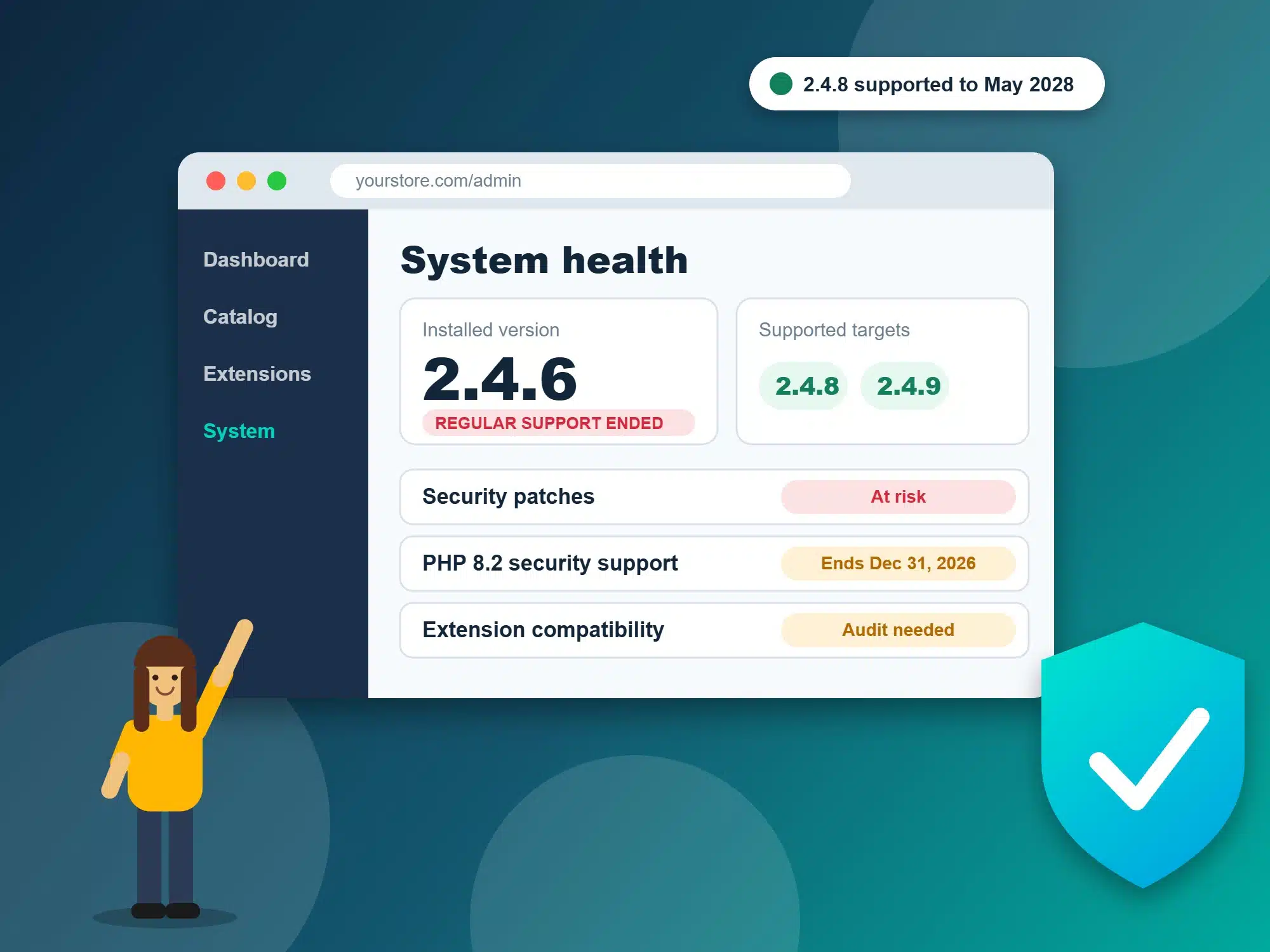
Is your Magento version still supported?
Check the version in your Magento admin footer, then find it below. These are regular support end dates for the 2.4 line.
Extended support is an Adobe Commerce benefit, not a Magento Open Source one. Confirm the terms for your licence in Adobe’s lifecycle policy. Full breakdown: Magento 2.4.6 is out of regular support: upgrade or move? and The August 2026 Magento Support Cliff.
A complete Magento upgrade service
An upgrade is more than a version number. We handle the whole path, from the first check to patching after launch.
Version and risk audit
We confirm your Magento version, edition, PHP and database stack, then list every extension and custom module with a compatibility status.
Upgrade path planning
We choose a safe target such as 2.4.8 or 2.4.9, and decide whether a direct jump or a staged path is lower risk for your store.
Extension and custom code fixes
We replace abandoned extensions, update compatible ones, and rework custom modules and overrides that break on the new version.
PHP and hosting stack upgrade
Newer Magento releases need newer PHP, MySQL or MariaDB and search services. We align your stack so the upgrade holds.
Security patching
We apply Adobe security patches and version updates on a schedule we agree with you, tested on staging first.
Performance and theme work
If your theme is slow or outdated, we can modernize it during the upgrade. See our Hyvä theme service.
How a Magento upgrade works
- Free version checkYou share your store URL and we confirm your version, edition and stack.
- Audit and quoteWe review extensions, custom code and integrations, then give you a fixed quote and timeline.
- Staging upgradeWe upgrade a copy of your store, fix what breaks, and test checkout, payments, shipping and integrations.
- Go liveWe schedule the cutover for a low-traffic window and monitor the store closely afterwards.
- Keep patchedWe apply security patches and updates on an agreed schedule so you do not fall behind again.

Indicative price and timeline
Every Magento store is different, so we quote after a short audit. These are directional, industry-typical ranges to help you plan, not a Virtina price list.
Lightly customized stores with few extensions and little custom code.
Heavily customized stores with custom pricing, ERP links and many integrations.
Lightly customized stores can be quick. Complex stores take longer once testing is included.
What moves the price: the number of extensions, the amount of custom code, your theme, the integrations you rely on, and whether your PHP and hosting stack also needs upgrading.
Upgrade Magento or move to another platform?
If your Magento build is expensive to maintain and your catalog is simple, a platform move can pay off over three years. If your store depends on custom pricing, ERP links or B2B logic, upgrading usually costs less than rebuilding.
Read the decision guide
Each date explained, the options compared, and a 30-day plan.
Read the guide →
Planning a platform move
Magento migration services, plus Shopify and WooCommerce routes.
See migration services →
Want the technical steps
Our step-by-step upgrade guide, and ongoing Magento support.
Read the upgrade guide →
Magento upgrade questions, answered
Is Magento 2.4.6 still supported?
Regular support for Magento 2.4.6 ended on August 11, 2026. Adobe Commerce customers have an extended support window. Magento Open Source does not, so Open Source stores should plan an upgrade.
Will my store stop working after support ends?
No. Your store keeps running. The risk is that new security issues may not be patched for your version, and extensions, payment modules and hosting stacks gradually stop supporting it.
Which Magento version should we upgrade to?
Usually the newest release your extensions and hosting stack support. 2.4.9 has the longest support runway, and 2.4.8 is a common stepping stone when a key extension is not ready yet. The audit tells us which is safe.
How long does a Magento upgrade take?
Lightly customized stores can often be done in a few weeks. Heavily customized stores, or stores with many extensions and integrations, can take a few months once testing is included.
How much does a Magento upgrade cost?
Published industry ranges run from a few thousand dollars for a lightly customized store to six figures for a heavily customized one. We give you a fixed quote after the version audit, split into audit, core upgrade, extensions, integrations, testing and go-live.
Should we upgrade Magento or move to another platform?
Upgrade when your catalog, pricing rules, ERP links or B2B logic are costly to rebuild. Consider moving when Magento is expensive to maintain and your catalog is simple. Our decision guide walks through both options, and we can scope either route.
Do you also keep the store patched after the upgrade?
Yes. We can apply security patches and version updates on a schedule we agree with you, with staging tests before changes go live.
Can you upgrade a store that has custom modules and a custom theme?
Yes. Custom code is reviewed in the audit, and anything that needs rework is listed and quoted up front, so there are no surprises mid-project.
Get your free Magento version check
Tell us your store URL and we will confirm your Magento version, your support status, and the safest upgrade path. No obligation.
You will get a clear answer on whether to upgrade or move, with a rough timeline.


