Summary
Safeguarding your WooCommerce store against online threats has become critical.
By implementing the proactive security measures mentioned in this article, you will not only save your business from possible security breaches but also promise your customers a safer online shopping atmosphere.
These preventive measures are not one-time fixes but ongoing necessities that should be integral to your long-term site maintenance plan. Prioritize these measures and stay vigilant to ensure your WooCommerce store remains secure and resilient in the face of new and emerging threats.
Do you want to secure your WooCommerce store beyond the standard WordPress measures?
WooCommerce sites contain sensitive data, such as payment information and user personal data, which makes them difficult to secure.
Hackers frequently target online retailers because many business owners don't take security seriously, making them easy targets.
Even worse, 60% of businesses close within six months after a data breach.
Moreover, recovering from a data breach is expensive and challenging; hence, taking all possible care beforehand is better.
This blog will explain feasible steps to secure your WooCommerce website from all sides so hackers cannot access it.
Table of Contents
Assessing Security Risks Before Migration

Performing a security audit is one of the critical preventive measures you must take before WooCommerce migration. It protects your eCommerce store and shows potential security vulnerabilities that might occur during or after the migration.
Here's how you can secure your migration:
Secure Data Migration

Data migration security would be very important in securing sensitive data from leakage during the transfer.
Some of the best security methods include data encryption, meaning that even if intercepted, the data will not be readable to unauthorized parties, saving your brand image and trustworthiness.
Here are other robust ways to secure your data migration:
Implementing Robust Security Measures Post-Migration

Install SSL (Secure Sockets Layer) certificates to secure your WooCommerce store by encrypting user and server data via HTTPS (Hypertext Transfer Protocol Secure). That's quite an essential step in securing sensitive information.
Here are a few more suggestions for you:
Monitoring And Maintenance

After the website migration, it is crucial to continuously monitor and maintain your online store using tools like Jetpack Security. These tools will update you on time through alerts and notifications regarding suspicious activities, log-in attempts, or vulnerabilities.
Here's what to look out for:
Handling Security Incidents
In a security breach, you must take immediate action, such as isolating the affected areas to contain the damage and restore reliable backups.
Here are some effective ways to handle security incidents:
Essential Tools For WooCommerce Security
Security plugins play a crucial role in safeguarding your website. Let’s find out some of the best tools that offer robust security and enhance the performance of your online store.
⇨ Sucuri

Sucuri offers a highly developed firewall system that filters traffic and cuts off malicious traffic before it reaches your website. This firewall shields your website from SQL injection, XSS, and even DDoS attacks, keeping your site safe from known and emerging threats.
Sucuri's real-time malware scanning tests your site against compromise indications, including altered files or suspicious code. It informs you when malware is detected and cleans up infected files.
One of the significant services offered by Sucuri is post-hack cleanup. Sucuri's team will restore your compromised site to a secure state by cleaning malware and securing vulnerabilities, thereby avoiding further attacks.
Besides, Sucuri performs extensive website monitoring, which immediately warns you when something suspicious is found, or a potential vulnerability in website security is detected.
⇨ BackupBuddy

When protecting your data, having a dependable backup solution like BackupBuddy (now known as Solid Backups) is essential.
BackupBuddy regularly backs up your website, databases, files, and plugins. That means you can restore data lost due to accidental deletions, server crashes, or even malicious attacks from a recent backup.
It allows backups to be stored in multiple places for extra safety, such as cloud storage services like Dropbox and Google Drive.
With an intuitive interface and high efficiency in performance, BackupBuddy ensures that your data is always safe and recoverable, thereby letting you have peace of mind when running your business.⇨ Jetpack
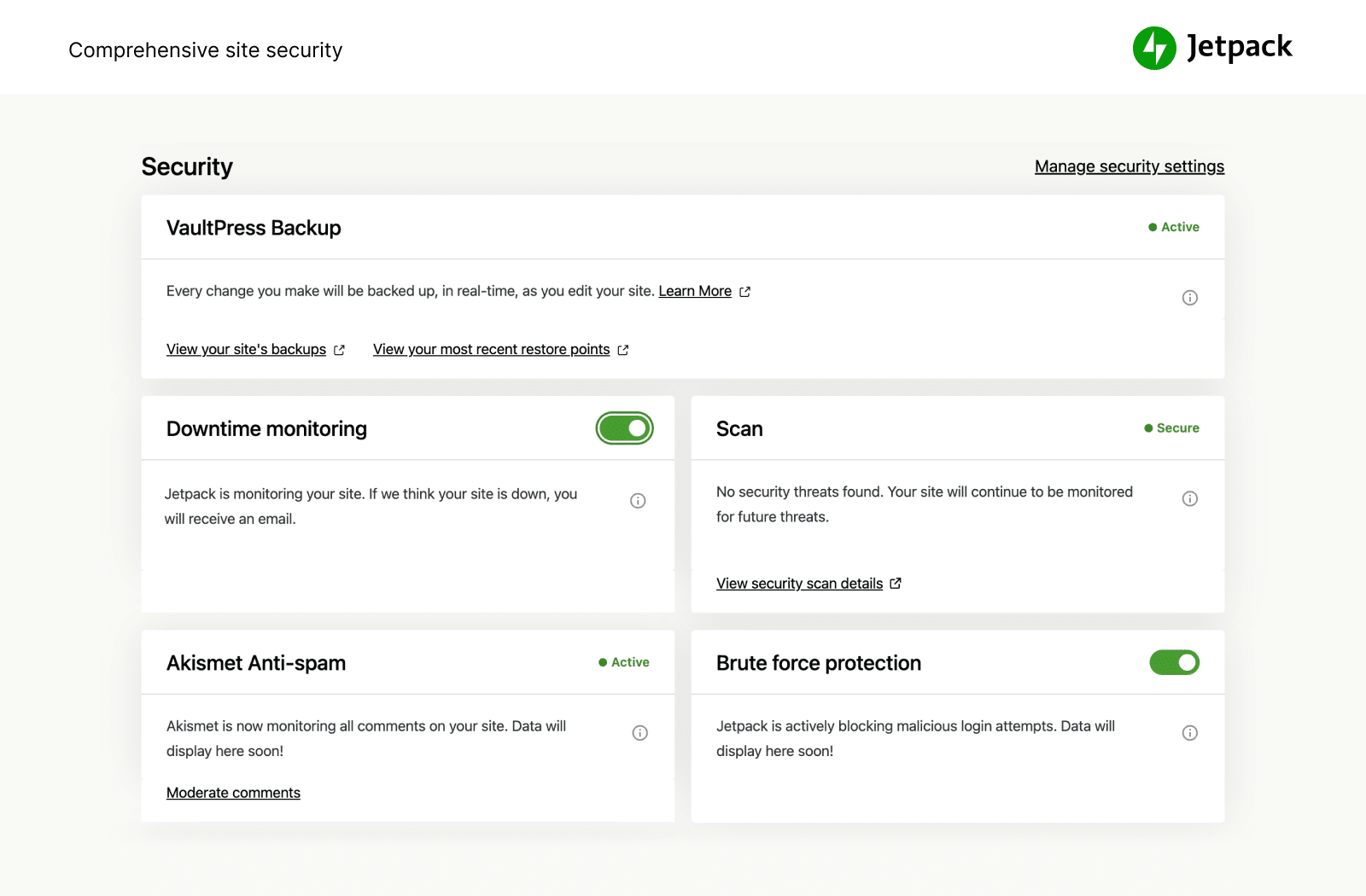
Jetpack provides real-time monitoring of your site, sending instant alerts in case suspicious activities happen, such as unauthorized login attempts or sharp spikes in traffic.
With these instant alerts, Jetpack offers security protection by providing no-limits automatic backups of your site, malware scanning, and protection from brute force attacks.
Jetpack quickly and easily solves potential issues, ensuring your website remains secure.
⇨ Firewall And Content Distribution Networks
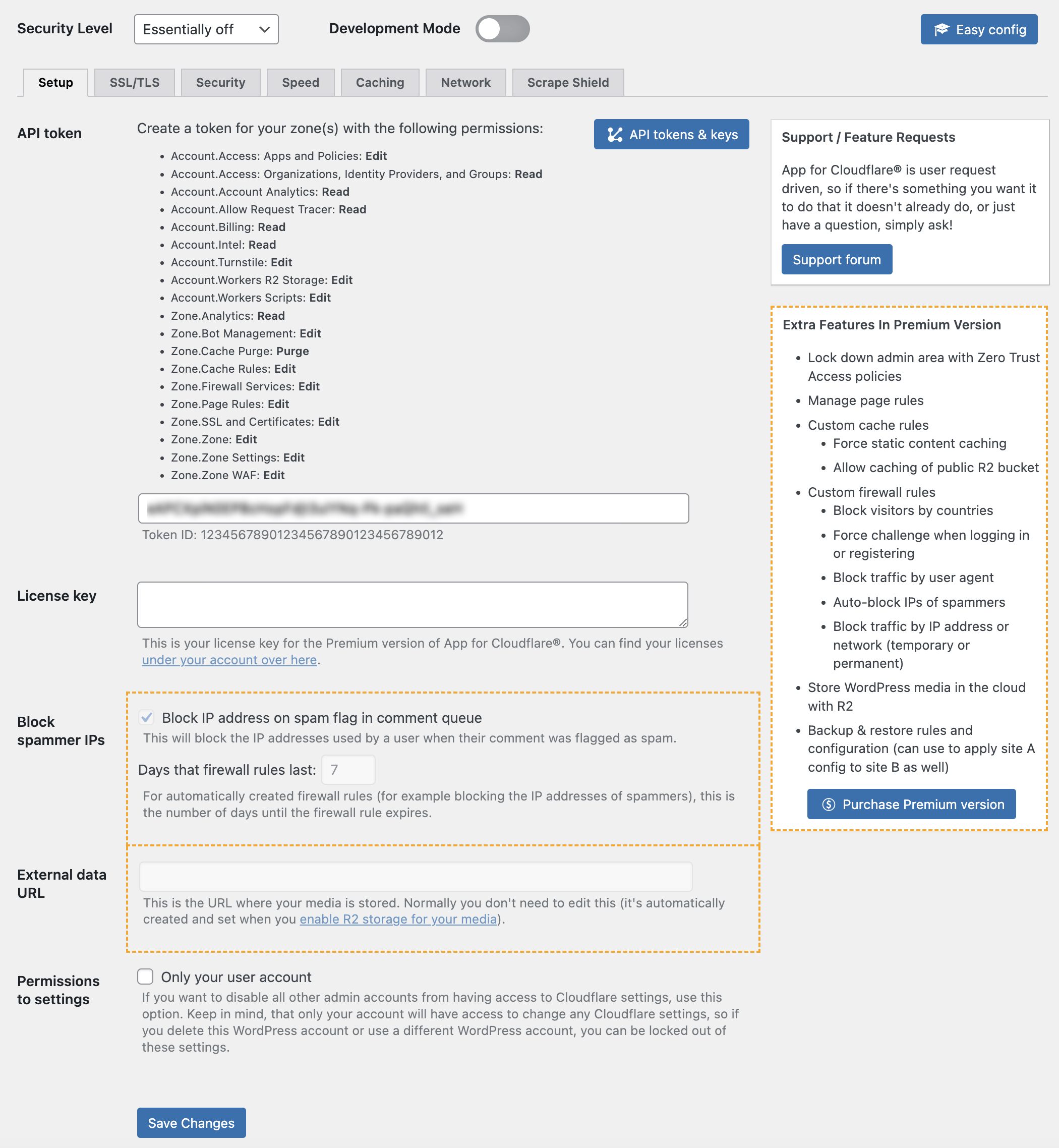
Web Application Firewalls are designed to protect web applications from cyber threats. Using services such as Cloudflare to regulate the passing in or blocking of incoming traffic, ensuring only valid traffic reaches through while malicious ones are blocked.
As with DDoS protection, the WAF can absorb and mitigate the enormous traffic one directs at overwhelming your site. It can detect and neutralize such massive fluxes before they cause disruptions to services.
For threats like SQL injections, where malicious code is added to a database query and unauthorized users are granted access to or the ability to manipulate data, WAF shields your application by filtering out harmful SQL commands embedded in user inputs.
In XSS attacks, where malicious scripts are injected into the web pages viewed by other users to steal data or manipulate content, WAF ensures that only safe and clean content reaches your users.
WAF is a strong shield for any web application intended to prevent cyber threats and allow users to access the application smoothly and securely.
⇨ Malware Detection And Removal Tools
Automated malware detection and removal tools like MalCare help protect your website against malware. These tools are designed to scan your site for malware that may compromise its security. You should run these scanners even after migrating your website because migrations sometimes inadvertently create new vulnerabilities or missed threats.
With automated tools, locating and removing malware is easier. They save you time and help reduce human error. They monitor your website regularly for anything suspicious so you can take immediate action in case of a threat.
The fact that the post-migration phase of checks depends upon vulnerability issues ensures that whatever problems arise during this transfer are identified and treated as quickly as possible. It's an investment that pays for a safe, undisrupted experience for one's users, not only for the site but also for its visitors from potential cyber threats.