

Summary
A B2B ecommerce build for manufacturers needs more than a catalog. The core features are customer specific pricing, quote requests, reorder tools, ERP integration and account permissions. Start with the buyers and processes you already have, pick a platform that supports them, and launch in phases so sales teams adopt it.
Introduction
Manufacturers sell differently from consumer brands. Orders are larger, prices are negotiated and buyers expect to reorder quickly. A standard online store rarely fits.
This guide covers the features, platform choices and rollout plan that work. For services, see our B2B ecommerce development.
Table of Contents
- What features do manufacturers need in a B2B store?
- How do B2B buyers behave online?
- Which platform fits a manufacturer?
- How do quotes and negotiated pricing work online?
- Why does ERP integration matter?
- How should you roll out a B2B store?
- How should manufacturers structure a B2B product catalog?
- How do you handle customer specific pricing?
- What account features do business buyers expect?
- How should payments and net terms work?
- Which systems should connect to your store?
- How do manufacturers get found online?
- How do you get your sales team and customers to use the store?
- How do you design a quote process that does not slow your team down?
- What mistakes do manufacturers make when they launch a B2B store?
- How do you measure whether your B2B store is working?
- What does a successful manufacturer rollout look like?
- How do you protect customer data and pricing?
- What should you ask a B2B development partner?
What features do manufacturers need in a B2B store?
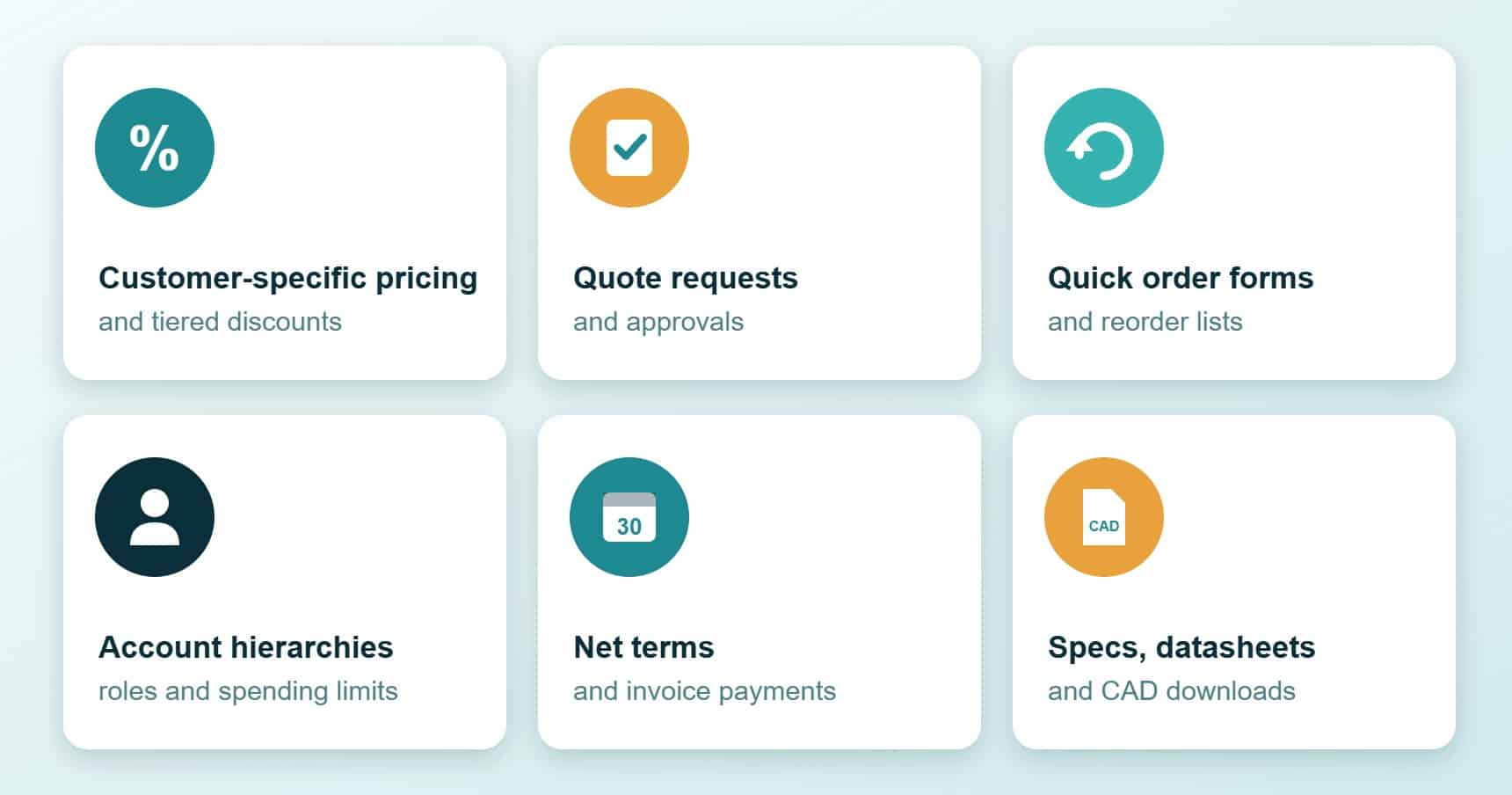
- Customer specific pricing and tiered discounts.
- Quote requests and approvals.
- Quick order forms and reorder lists.
- Account hierarchies with roles and spending limits.
- Net terms and invoice payments.
- Technical specs, datasheets and CAD downloads.
How do B2B buyers behave online?
Buyers research on their own before talking to sales. They want accurate specs, availability and pricing without waiting for a call.
Read more in our guide to B2B ecommerce for manufacturers.
Which platform fits a manufacturer?
| Platform | Strength | Consider if |
|---|---|---|
| WooCommerce | Flexible and cost effective | You want custom pricing rules |
| Adobe Commerce | Deep B2B features | You have complex catalogs |
| BigCommerce | Strong built in B2B tools | You want faster setup |
| Shopify Plus | Easy to run | Your pricing is simpler |

Our B2B pricing and access setup guide shows how this works on WooCommerce.
How do quotes and negotiated pricing work online?
Quote tools let buyers request a price for large or custom orders, then approve it online. A B2B quote chatbot can collect details and speed up responses.

Why does ERP integration matter?
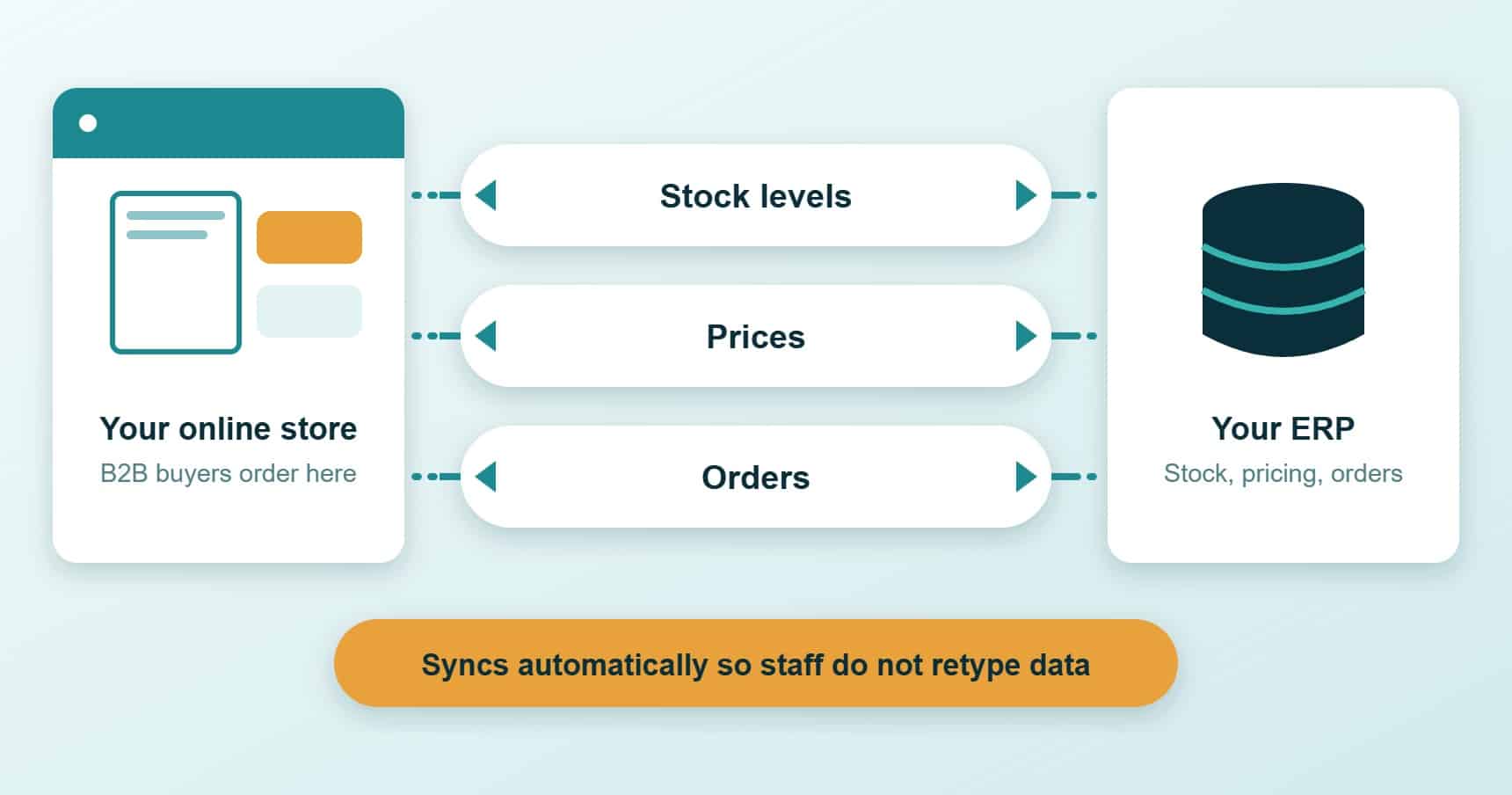
Stock levels, prices and orders should sync with your ERP so staff do not retype data. Plan integrations early because they drive time and cost.
How should you roll out a B2B store?
- Map current buyers, products and pricing rules.
- Launch a pilot with a few key accounts.
- Add quotes, reorders and integrations in phases.
- Train the sales team and measure adoption.

How should manufacturers structure a B2B product catalog?
Industrial buyers search by part number, specification and compatibility, not by marketing names. Your catalog should support all three.
Use clear categories, filters for key attributes such as size, material and rating, and a spec table on every product. Add downloadable datasheets, certifications and CAD files, because engineers often need them before they can buy.
A well structured catalog also helps search engines and AI assistants understand your products, which improves visibility. Read our guide to gated catalogs and AI visibility for the trade offs of hiding prices.
How do you handle customer specific pricing?
Manufacturers rarely have one price list. Distributors, contractors and key accounts all negotiate their own terms, and the store has to reflect that.
Most platforms support price lists by customer group, tiered discounts by quantity and contract prices after login. Decide early whether you will show public prices, hide them or show a starting price, because that choice affects both sales and SEO. See B2B pricing and access setup on WooCommerce for a practical example.
What account features do business buyers expect?
A business account is more than a login. Buyers expect to share an account across a team with different roles.
- Multiple users per company with approval limits.
- Saved shipping addresses and billing contacts.
- Order history, invoices and easy reorder.
- Saved lists and quick order by part number.
- Net payment terms for approved accounts.
How should payments and net terms work?
Many B2B orders are paid by invoice, purchase order or bank transfer instead of card. Your store should offer the methods your buyers already use.
Net terms need credit checks and clear limits, so approve accounts before offering them. Read more in our guides to WooCommerce B2B net payment terms and B2B ecommerce checkout best practices.
Which systems should connect to your store?
The store should not live on an island. The more it connects to your daily tools, the less manual work your team has.
| System | What it syncs | Benefit |
|---|---|---|
| ERP | Stock, prices, orders, invoices | One source of truth |
| CRM | Accounts and quote history | Sales sees online activity |
| Shipping tools | Rates and tracking | Accurate delivery info |
| Accounting | Invoices and payments | Fewer manual entries |
| PIM or spreadsheets | Product data | Faster catalog updates |
How do manufacturers get found online?
Buyers search with specific questions, such as which material suits a certain use or what standard a part meets. Pages that answer those questions clearly earn both rankings and mentions in AI answers.
Write product pages with real specifications, add guides for common applications and use structured data. Include a short, direct answer at the top of every guide so search engines and AI tools can quote it.
How do you get your sales team and customers to use the store?
Even a great store fails if people keep calling and emailing orders. Start by moving a few key accounts, collect their feedback and fix problems before a wider rollout.
Train your reps to send customers to the portal for reorders, so they can spend time on new business. Share simple results, such as hours saved and faster payments, to keep the whole team on board.
How do you design a quote process that does not slow your team down?
Quotes work best when the first step is automatic. A form or chat collects the part numbers, quantities, delivery date and company details, so your team starts with complete information.
Set rules for what can be answered instantly, such as standard items with contract pricing, and what needs a person, such as custom parts. Show buyers the status of each quote and let them accept it with one click. This shortens the sales cycle and removes the long email chains most manufacturers live with today.
What mistakes do manufacturers make when they launch a B2B store?
The most common mistake is copying a consumer store. Business buyers do not want banners and countdown timers, they want accurate specs, their own prices and a fast reorder.
Others include launching without ERP sync, hiding all information behind a login, ignoring mobile use on the shop floor and failing to train the sales team. Each one is easy to avoid with a short plan.
- Copying a consumer design instead of building for buyers.
- No integration with stock and pricing systems.
- Poor search by part number.
- Weak product data and missing documents.
- No plan for adoption by sales reps and customers.
How do you measure whether your B2B store is working?
Pick a few numbers and review them monthly. Useful ones include the share of orders placed online, average order value, repeat order rate, time to quote and the number of support calls avoided.
Also track search terms used on your site. They show what buyers cannot find, which tells you what to add to the catalog next. Compare results with your original goals and adjust the roadmap every quarter. If you want a team to plan this with you, see our B2B ecommerce development and B2B quote chatbot pages.
What does a successful manufacturer rollout look like?
Picture a manufacturer of industrial fittings with 4,000 parts and 300 active accounts. Orders arrive by phone and email, and reps spend hours retyping them.
The company launches an online store with customer pricing and quick order by part number. It starts with twenty large accounts, then adds quotes for custom parts and ERP sync for stock. Within a year, most routine orders arrive online and reps focus on new accounts and complex projects.
The lesson is that a phased plan, a clear owner and real buyer feedback matter more than any single feature.
How do you protect customer data and pricing?
Contract prices and account data are sensitive. Use role based access, strong passwords or single sign on, and keep pricing behind a login where needed.
Keep software updated, back up daily and limit admin access to the people who need it. Review account permissions every quarter.
What should you ask a B2B development partner?
Ask for examples with similar pricing, quotes and integrations, and ask how they handle ERP sync, testing and training.
- Have you built stores with customer specific pricing?
- How do you connect to our ERP?
- What does support look like after launch?
- How will you help our sales team adopt the store?
- What is the plan if requirements change mid project?
Conclusion
A strong B2B build starts with your real buyers and processes. Choose a platform that supports pricing, quotes and ERP, and launch in phases.
Talk to our team about B2B ecommerce development for your business.
Frequently Asked Questions
What is B2B ecommerce development?
It is the design and build of online stores for business buyers, including custom pricing, quotes, accounts and integrations.
Can customers see different prices?
Yes. B2B stores can show prices by customer, group or contract after login.
Do I need an ERP integration?
It is not required, but it removes manual entry and keeps stock and pricing accurate.
How long does a B2B build take?
Many projects take two to five months, depending on integrations and catalog size.
Can buyers pay by invoice?
Yes. Net terms and invoice payments can be offered to approved accounts.
Should I keep my sales team?
Yes. Online ordering handles routine orders while reps focus on large accounts and negotiations.