Summary
A Magento to WooCommerce migration is a data-mapping job. Products, categories and images move cleanly. Customer groups, bundles, tier pricing, tax rules, extensions and the theme have to be rebuilt.
Passwords and product URLs break unless you handle them. Company accounts, shared catalogs and negotiable quotes decide whether you should go at all.
This guide maps sixteen Magento objects to their WooCommerce result. Facts checked 5 November 2026.
Introduction
A distributor has a clean product export and a launch date. Late in the project, someone asks where the company accounts, the negotiated prices and the old product URLs will live. This is an illustrative scene, not a client result.
Nobody planned for those answers because the export looked complete. That is the usual trap. Product rows are the easy part of a platform move.
Virtina is an ecommerce solutions partner that scopes platform moves before any build starts. Its view here is simple. Treat the move as a mapping exercise, and let the objects that do not map shape the plan.
The post covers what moves, what is rebuilt and what breaks. It then covers the route, the stay test and the cutover. Facts were checked on 5 November 2026 against Adobe, WooCommerce, WordPress and Google documentation.
How this was checked: the facts come from Adobe, WooCommerce, WordPress and Google documentation, read on 5 November 2026. Claims from tool makers are labeled as theirs. No prices or timelines are quoted.
Table of Contents
- What moves cleanly from Magento to WooCommerce?
- What has to be rebuilt instead of moved?
- What breaks on launch day if you do nothing?
- Which migration route fits your catalog?
- When should you not move from Magento to WooCommerce?
- What does a safe cutover look like?
- People Also Ask
- Conclusion
- Frequently asked questions
What moves cleanly from Magento to WooCommerce?
Simple, virtual, downloadable and grouped products, plus categories, tags and images, move cleanly through WooCommerce’s core product importer. Customer and order records move too, but only with an extension or tool.
The table below maps sixteen Magento objects to what you get in WooCommerce. The next three sections explain each status.
|
Magento object |
WooCommerce result |
Status |
What to do |
|---|---|---|---|
|
Simple, virtual and downloadable products |
Same types in core |
Moves |
Export CSV, then import with the core importer. |
|
Grouped products |
Grouped products |
Moves |
Match child products by SKU. |
|
Configurable products |
Variable products with variations |
Moves with cleanup |
Rebuild attribute columns. Add the parent SKU to variation rows. |
|
Bundle products |
No core type, needs a bundles extension |
Rebuild |
Choose the extension before you import. |
|
Categories, tags and images |
Importer reads category paths and image URLs |
Moves with cleanup |
Add alt text afterwards. |
|
Customers and addresses |
Not in core, needs an official extension or tool |
Moves with a tool |
Join the two export files. Plan the password step. |
|
Orders and history |
Extension or tool, and HPOS affects plugin support |
Moves with a tool |
Test on staging with HPOS on. |
|
Password hashes |
The Magento format is not a WordPress format |
Breaks unless handled |
Use a login-time check plugin, or have customers reset. |
|
Customer groups |
WordPress user roles plus a pricing plugin |
Rebuild |
Recreate groups first, then prices. |
|
Tier and advanced pricing |
No core equivalent documented |
Rebuild |
Use a pricing plugin or custom code. |
|
Tax rules |
Tax classes and rate tables |
Rebuild |
Re-enter or import a rate CSV. Handle tax-exempt buyers separately. |
|
Company accounts, shared catalogs, negotiable quotes, PO approvals, requisition lists |
Not listed in core documentation |
Rebuild |
This is the main stay-or-go test. See the section on when not to move. |
|
Store views and websites |
Separate WordPress sites or a plugin model |
Rebuild |
Decide the model first. |
|
Product URLs |
Product and category bases by default |
Breaks unless handled |
Build a 301 map. |
|
Extensions, custom modules and theme |
No migration path |
Rebuild |
Replace, drop or rebuild each one. |
|
Saved payment methods |
Depends on the processor |
Check first |
Ask the processor before launch. |
A plain reading of each Magento object. It contains no figures.
Basis: Adobe and WooCommerce documentation. The What to do column is Virtina’s view.
How do products and categories move?
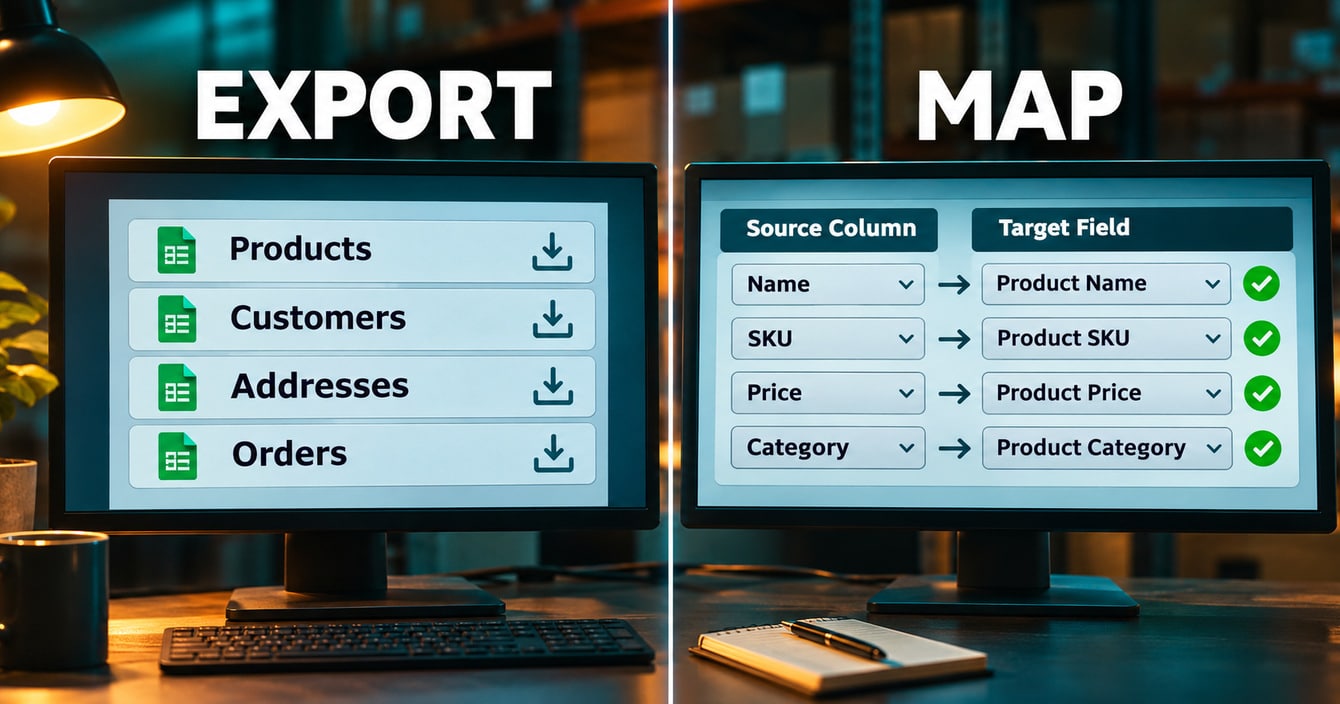
Products and categories move as CSV files. Adobe’s Magento data export page lists Advanced Pricing, Products, Customer Finances, Customers Main File, Customer Addresses and Stock Sources. CSV is the default format.
The export runs through a message queue, so cron must be running. Turn on Fields Enclosure if special characters break the transfer. Adobe last updated that page on 8 October 2026.
WooCommerce’s product CSV importer handles simple, variable, grouped, external, variation, virtual and downloadable types. It matches rows on ID or SKU. Variation rows need a parent SKU or id.
The first image becomes the featured image. The core importer cannot set alt text, so add it afterwards. Columns it does not recognize are skipped, so map attribute columns by hand.
There is no fixed file-size limit. Server memory and time set the real cap, so split large files and test on staging.
What happens to customers and addresses?
Customer and order import is not part of WooCommerce core. WooCommerce’s own documentation routes it through an official import-export extension.
That documentation recommends an order: users, products, reviews, coupons, then orders. Magento exposes Customers Main File and Customer Addresses as two separate exports. Treat them as two files to reconcile, not one.
Passwords need their own plan. The launch-day section below covers it.
What about orders and order history?
Orders move with the official extension or a third-party tool. Since WooCommerce 8.2 in October 2023, high-performance order storage (HPOS) is on by default for new installs. An incompatible active plugin disables the HPOS option.
Test the order import on staging with HPOS switched on. Check each plugin against the HPOS plugin compatibility notes before you start.
What has to be rebuilt instead of moved?
Bundle products, customer groups, tier pricing, tax rules, extensions, custom modules and the theme have to be rebuilt in WooCommerce. None of them travels in a standard data import.
Each item below needs a decision before you quote a route. Treat the rebuild list as the real scope.
Why do configurable and bundle products need extra work?
A Magento configurable product becomes a WooCommerce variable product, and the attribute and variation rows need cleanup. That cleanup need is an inference from the two documentation sets, not a documented one-click path. Each variation row needs its parent SKU.
WooCommerce core has no bundle product type. Bundles come from a separate paid extension, so choose it before you import. Choosing late means re-importing every bundle row.
Where do customer groups, tier pricing and tax rules go?
Customer groups become WordPress user roles, plus a pricing plugin that attaches prices to them. One migration tool’s page says customer groups are not recreated automatically. One plugin’s published list puts customer groups, bundles, wish lists and tiered prices behind separate paid add-ons.
Group-specific prices are their own build. The WooCommerce B2B pricing setup notes show how that work is usually shaped.
Core tax uses tax classes and rate tables, and rates import from CSV. WooCommerce marks its sample rate file as not for production. Its core tax guide does not cover tax-exempt customers, so plan that separately.
What happens to extensions, custom modules and the theme?
Extensions, custom modules and the theme do not migrate. Every Magento extension is a feature to replace, drop or rebuild. One tool’s page says themes are not transferable either.
List every extension and custom module with its business job. Mark each one Replace, Drop or Rebuild before you quote any route.
Rebuilds of that kind are WooCommerce development work, not import work.
What breaks on launch day if you do nothing?
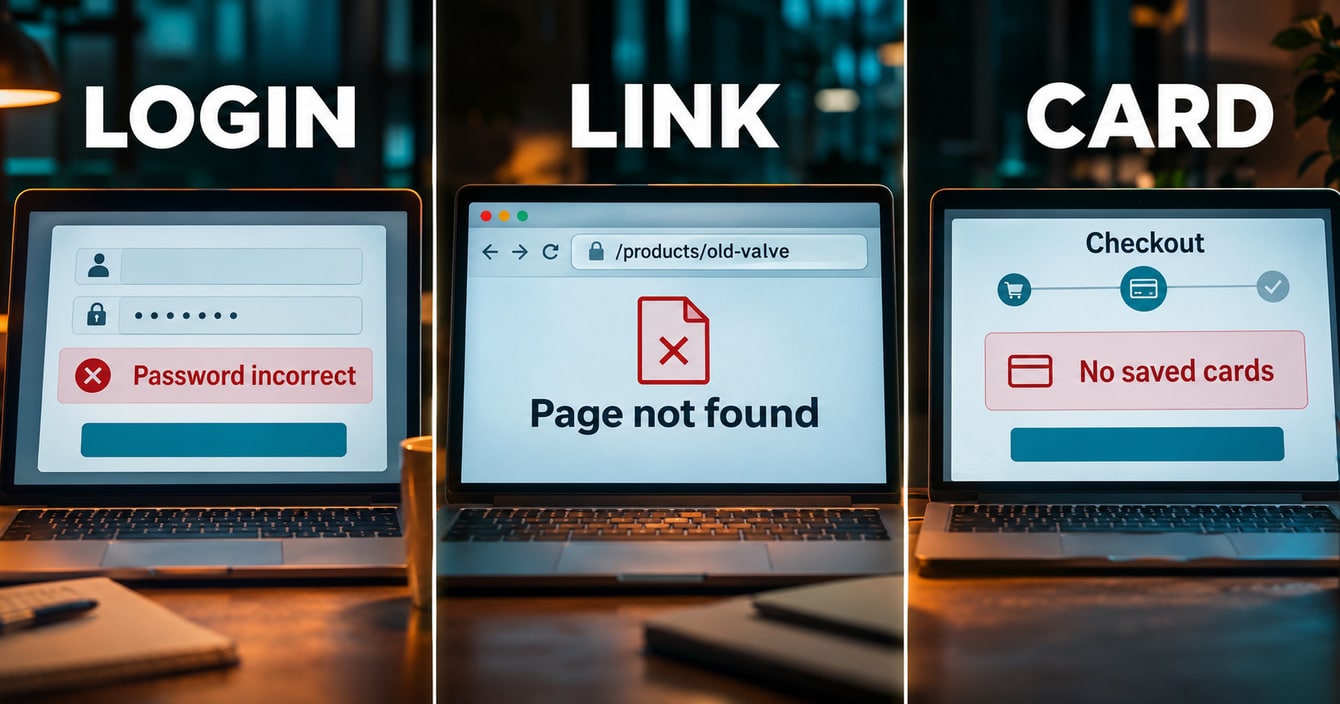
Customer logins, product URLs and saved payment methods break on launch day unless you plan for each one.
Why do customer passwords stop working?
WordPress cannot verify Magento password hashes natively. A plugin can verify them at login, or customers reset.
Adobe’s documentation describes Magento passwords as stored in three parts: hash, salt and version. The default algorithm is Argon 2ID13, with SHA256 otherwise. Raw passwords are not stored.
WordPress core checks its own formats. WordPress 6.8 moved to bcrypt, and older phpass hashes keep working and are rehashed at the next login. That change does not cover importing hashes from other systems.
Tool makers disagree on what to promise. One plugin’s premium tier lists Magento-password authentication. Another tool says passwords carry over only for supported formats, and otherwise customers go through a reset flow.
Your choice is plugin verification at login or a planned reset email. In Virtina’s view, test both on staging before you decide.
What happens to URLs and rankings?
Product URLs change unless you map them. Adobe makes the product URL suffix configurable, as html or htm. The category path is not part of product URLs by default.
WooCommerce defaults to a product base of product and a category base of product-category. Permalink options are Default, Shop base, Shop base with category and Custom base. Compare both patterns before you plan the redirects.
Google site-move guidance asks for server-side 301 or 308 redirects. Map each old URL to its equivalent page. Do not send many URLs to an irrelevant page such as the homepage.
Avoid redirect chains, ideally no more than 3 hops. The Change of Address tool covers domain moves only, so it does not help when only paths change. Keep redirects in place for at least a year.
Google says temporary ranking fluctuation is normal after a move, and larger sites take longer to settle. The same redirect discipline protects rankings after a redesign, so reuse that thinking here.
Redirect support differs by route. One tool lists redirects as a premium feature, and the official extension lists none. Check this before you buy.
Can saved payment methods move?
Whether saved payment methods carry over depends on your payment processor and the gateway you use on WooCommerce. Ask the processor before launch.
If the answer is no, plan for customers to re-enter a card at their next order.
Which migration route fits your catalog?
The right migration route depends on how clean your data is and how much you have to rebuild. Manual CSV suits small clean catalogs, and the official extension suits Magento 2 data moves.
Third-party tools suit wider scope, and an agency build suits a long rebuild list.
|
Route |
Fits when |
Covers, as listed |
Gaps to check |
|---|---|---|---|
|
Manual CSV |
The catalog is small and clean, with few customers |
Products, categories and images through the core importer |
Customers and orders need the import-export extension. Alt text, redirects, passwords and groups are manual. |
|
Official Magento 2 extension |
A Magento 2 store wants products, customers and orders moved over an API |
Products, customers and orders, with filters including customer group and a configurable batch size |
Magento 2 only. Needs ample CPU and memory. No redirect feature, reviews, categories, coupons or passwords listed. |
|
Third-party tools |
The scope is wider, or the store runs Magento 1 |
Published lists include products, categories, customers, orders, reviews, coupons, taxes and CMS pages |
Groups, bundles, wish lists and tiered prices may need paid add-ons or manual work. Custom modules need separate assessment. |
|
Agency build |
The rebuild list is long, with B2B logic, custom modules or an ERP link |
The same data plus the rebuild |
Only as good as the scoping. Ask for the object map first. |
A plain reading of each Magento object. It contains no figures.
Coverage is as the makers list it. Fits when and Gaps to check are Virtina’s view, not documentation.
When is manual CSV enough?
Manual CSV is enough when the catalog is small, the data is clean and few customers need to move. Products, categories and images go through the core importer.
Everything else is manual. In Virtina’s view, that means a short rebuild list or a lot of patience.
What does the official Magento 2 extension cover?
The official extension lists products, customers and orders, and it supports Magento 2 only. It reads your store over an API, so it needs REST API keys tied to a WordPress user. WooCommerce also requires permalinks that are not Plain.
It lists filters for products, customers and orders, including customer group. It warns that the move needs ample CPU and memory.
Reviews, categories, coupons, passwords and redirects are not listed. Treat unlisted items as unconfirmed, not as unsupported.
Where do third-party tools fit?
Third-party tools fit a wider scope or an older Magento 1 store. One plugin’s page says it is tested from Magento 1.3 to 2.4. Claims such as zero downtime are the makers’ claims, so test them.
Tool coverage tracks what each maker lists, and the lists differ. For the steps that apply to any source platform, see the WooCommerce migration guide.
When does an agency build make sense?
An agency build makes sense when the rebuild list is long. That usually means B2B logic, custom modules or an ERP link.
In Virtina’s view, ask any WooCommerce migration services partner for the object map as the first deliverable.
Every route moves the same rows. What separates them is who owns the rebuild list.
When should you not move from Magento to WooCommerce?
Do not move from Magento to WooCommerce while your store depends on features that core WooCommerce does not list. Company accounts, shared catalogs and negotiable quotes are the clearest examples.
For the wider upgrade-or-move question, read the Magento version support cliff post and the Magento 2.4.6 support deadline post.
Do company accounts and quotes map to WooCommerce?
Company accounts and negotiable quotes do not map to anything in WooCommerce’s core documentation. Adobe’s B2B documentation lists company accounts, company credit, company hierarchy and shared catalogs. It also lists quick order, negotiable quotes, purchase order approvals and requisition lists.
Shared catalogs and negotiable quotes apply to stores configured for company accounts. Adobe updated that page on 1 October 2026.
WooCommerce’s core documentation does not list these features. They come from B2B extensions, so costing the move means costing the extensions and their testing. The Adobe Commerce B2B features overview helps you mark which ones you actually use.
Do multi-store hierarchies carry over?
Multi-store hierarchies do not carry over, because WooCommerce uses a different model. Adobe’s hierarchy runs global, website, store and store view. Stores share one catalog and one admin, and store views carry language and currency symbol.
WordPress Multisite gives each site its own content tables and shares only the user table. That conclusion is an inference from the two documentation sets, so verify it against your setup.
The practical result is a rebuild, not a migration. Decide the model first.
What if custom modules and ERP links run the business?
Custom modules have no migration path, so each one is a rebuild decision. An ERP or order-management connector built against Magento has to be rebuilt or replaced.
Scope the WooCommerce ERP integration work before you commit to a launch date.
Is a peak-season cutover worth the risk?
A cutover inside your peak selling weeks is rarely worth the risk. Google says to expect temporary fluctuation after a move.
Redirects, a final order catch-up and login emails all need attention in the same days. In Virtina’s view, pick a quieter stretch of the year.
How do you score the decision?
Score yourself on the eight tests below. Each yes is a rebuild or a risk.
|
Test |
Why it matters |
|---|---|
|
1. Buyers need negotiable quotes or approval chains inside the storefront. |
Core WooCommerce does not list them, so extensions and testing add scope. |
|
2. Prices differ by company account or shared catalog, not just by customer group. |
Groups map to roles, but account-level pricing is a rebuild. |
|
3. You run several stores or store views with a shared catalog but different languages or currencies. |
The WordPress model differs, so this is a rebuild. |
|
4. Custom modules handle pricing, checkout or fulfillment logic you cannot describe on one page. |
Undocumented logic is the hardest thing to rebuild. |
|
5. An ERP, PIM or OMS connector was custom-built against Magento. |
It has to be rebuilt or replaced. |
|
6. A large share of your search traffic lands on URLs you cannot map one to one. |
Weak redirect maps put that traffic at risk. |
|
7. The cutover would land inside your peak selling weeks. |
Launch problems cost the most when volume is highest. |
|
8. No one on your team can own plugin updates, hosting and staging after the move. |
An open source store needs a named owner. |
A plain reading of each Magento object. It contains no figures.
These tests and the verdicts below are Virtina’s opinion, not research findings.
- 0 to 1 yes. the move is mostly data work. Go.
- 2 to 3 yes. scope the rebuild list before you commit.
- 4 or more yes. fix or upgrade Magento first, and revisit the move later.

What does a safe cutover look like?
A safe cutover tests the new store on staging and maps every old URL to its new address. DNS switches only after orders, prices and logins have been reconciled.
What do you finish before launch day?
Finish these five steps before you switch anything live:
- Step 1. Freeze scope and keep a baseline: a URL crawl, your top landing pages, and order and revenue totals.
- Step 2. Import on staging in the extension’s documented order, and reconcile counts for products, variations, customers and orders.
- Step 3. Rebuild the mapped items: groups, pricing, tax including tax-exempt buyers, shipping and payment.
- Step 4. Run test orders for each customer group, including negotiated prices and tax-exempt accounts.
- Step 5. Build and test the redirect map, and lower the DNS TTL ahead of the switch. Lowering TTL is common practitioner practice, not a documented requirement.
What do you check after launch?
These four steps run after the switch, and the redirect rules come from Google’s guidance linked earlier:
- Step 6. Run a final catch-up import of orders placed since the test import.
- Step 7. Send the login or reset email to customers.
- Step 8. Monitor redirects and crawl errors.
- Step 9. Keep redirects in place for at least a year, and expect temporary ranking fluctuation.
People also ask
Can you migrate Magento customer passwords to WooCommerce?
WordPress cannot verify Magento password hashes natively. A plugin can verify them at login, or customers reset. Test both paths on staging.
Will you lose rankings moving from Magento to WooCommerce?
No source promises either outcome. Google asks for one-to-one 301 or 308 redirects, tested before launch. It also says temporary fluctuation is normal after a move.
Does WooCommerce support Magento B2B features out of the box?
WooCommerce’s core documentation does not list company accounts, shared catalogs or negotiable quotes. Extensions fill those gaps. Costing the move means costing those extensions.
Can you migrate Magento 1 to WooCommerce directly?
The official extension supports Magento 2 only. One plugin’s page says it is tested from Magento 1.3 onward. Check route fit before you assume either way.
Conclusion
The data moves. The rebuild list decides. Products, categories and images are the easy rows, while groups, pricing, accounts, URLs and logins shape the plan.
Start with the object map and the scorecard, then choose the route. If you want a second opinion on your own list, talk to Virtina and bring it along.
Frequently asked questions
What is the hardest part of a Magento to WooCommerce migration?
The rebuild list, not the import. Products travel in a CSV. Company accounts, group prices, extensions and the URL map take the real work.
Which data cannot be migrated automatically?
A standard data import does not carry customer groups, tier pricing or tax rules. It also skips extension data, custom modules and the theme.
Password hashes and product URLs need a separate step. Tool makers differ, so confirm each item per route.
Do I need an extension to import customers and orders?
Yes, or a migration tool. Customer and order import is not part of WooCommerce core. WooCommerce’s documentation points to an official import-export extension.
What happens to reviews and coupons?
Tool lists differ. Some list reviews and coupons, and the official Magento 2 extension’s listing does not mention them. Confirm per route with a staging import before you rely on either.
How long should Magento redirects stay in place?
Google recommends at least a year. Keep them longer if old URLs still receive links or visits.
Can I test the migration before switching?
Yes. Build and test on staging, and run test orders for each customer group. Double-check payment settings so the test store and the live store do not both bill customers.
Is WooCommerce a good fit for B2B stores moving off Magento?
It depends on the scorecard. Extensions can fill gaps that core WooCommerce does not list, but each one adds cost and testing. Some stores should stay on Magento.
Virtina is an eCommerce agency that works with B2B and B2C brands on platform moves, integrations and speed fixes.